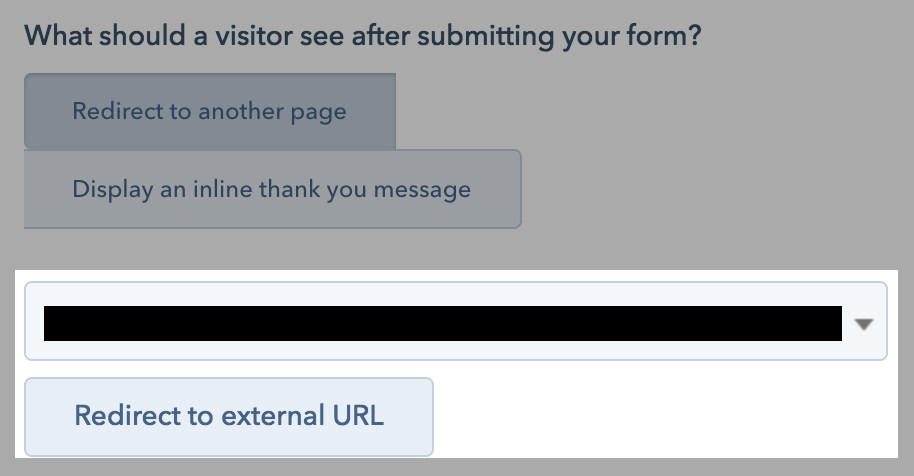
So basically, we’ve built custom private pages for our client’s customers. The thing is that there are many customers groups/segments and we created one private page per group.
So, in order to join these pages, the users must fill out a form inside HubSpot and one of the form fields is called “Security Token”, a single-line text field.
Depending on the group they belong to, the customers will enter a different “Security Token”, with this “token”, we identify the segment where they belong to.
So, for internal purposes, we need to pass the “Security Token” field value into a string parameter in the URL of the page that they’re redirected.
An example:
The user fills out the form (COS Page and HubSpot form), and its token is “TOKEN101”
Form is submitted and it’s redirected to the desination page.
Regarding the original question; if you were to use a custom HTML form and the forms API, you could redirect the visitor to any URL with whatever query parameters you’d like. You could also customize the form embed code to dynamically change the redirectUrl to include query parameters, as previously discussed on the forums:
I need to embed a HS form on an external (not CoS) website. And when the user submits the form, the redirect URL needs to include form fields as parameters. Is this possible? We figured out a way of doing this on a CoS landing page using a native HS form, but it was pretty tricky. In this case, I need to embed the form on an external page rather than use a CoS page. What I’m trying to accomplish is capture the lead’s info (name, company, email) and then pass that info off to a scheduling app …
redirect to your desired page and attach whatever contact property you desire via query parameters. http://redirect-address.com/the-page?token={{contact.your_internal_property_name}}
After you click save, you can see your link when you hover over test link
As I can see, the only problem with this solution is that there is a certain delay before the parameters appear in the URL.
Do you have any suggestions on this?
How can I work around this problem?
Thanks a lot
We needed to pre-fill some hidden fields from a form based on a URL from a CTA we send in an e-mail. This is the way that works for us:
Example Domain{{ personalization_token(“contact.email”, “Add here default value”) }}
And you can add as many parameters as you’d like. Notice that if it’s a company or deal property you’ll have to change “contact.email” for “company.name” for instance or “deal.deal_amount”.
I’ve tried multiple ways (including what you are suggeting) but I always get the same error that the value is not displayed:
- Test 1: https://rcos.be/connexion?create_account=1&firstname= {{ personalization_token(“contact.firstname”, “Add here default value”) }} --> this test return URL with firstname = Add here default value; which is not what I want
Hi @Konistand , from what I see in your recording, have you checked that the ID of the field “prenom” is “firstname”? If it returns"Add here default value" or is empty in the second case, it looks like it’s working the passing of information, but not the connection with the property value of the form.
Hi @Konistand what if you delete the “valeur_par_default” from the name field? Sorry I ran out of ideas. It works for me but I can’t see what is not working in your case.
Hi @Konistand, I don’t suppose you got this to work?
I have the exact same issue. `contact.firstname` works if an existing contact is submitting the form and the form fields are pre-populated, but if it’s a new user submitting the form, the querystring value is empty (or the fallback is used when using `personalization_token`). It doesn’t matter what they enter, it seems `contact.firstname` isn’t set…
Had to go down the embed and use Javascript to edit the redirectUrl path as per here.
Yeah, I have the same problem. Unfortunately the form is my in my foot, and I don’t have access to embed it based the ‘hatch’ theme.
HS does seem to pass some other query variables like __hsfp and _hscc, etc. I wonder if I could use those server side to pull data from the form submission? Oh wait, it looks like the forms API does not allow you to pull anything specific.


 ?
?